Asset Upload
Understanding Each File
Please read the following breakdown for each file so you understand how it will be used for content generation, then scroll down to upload your files
HEADSHOTS
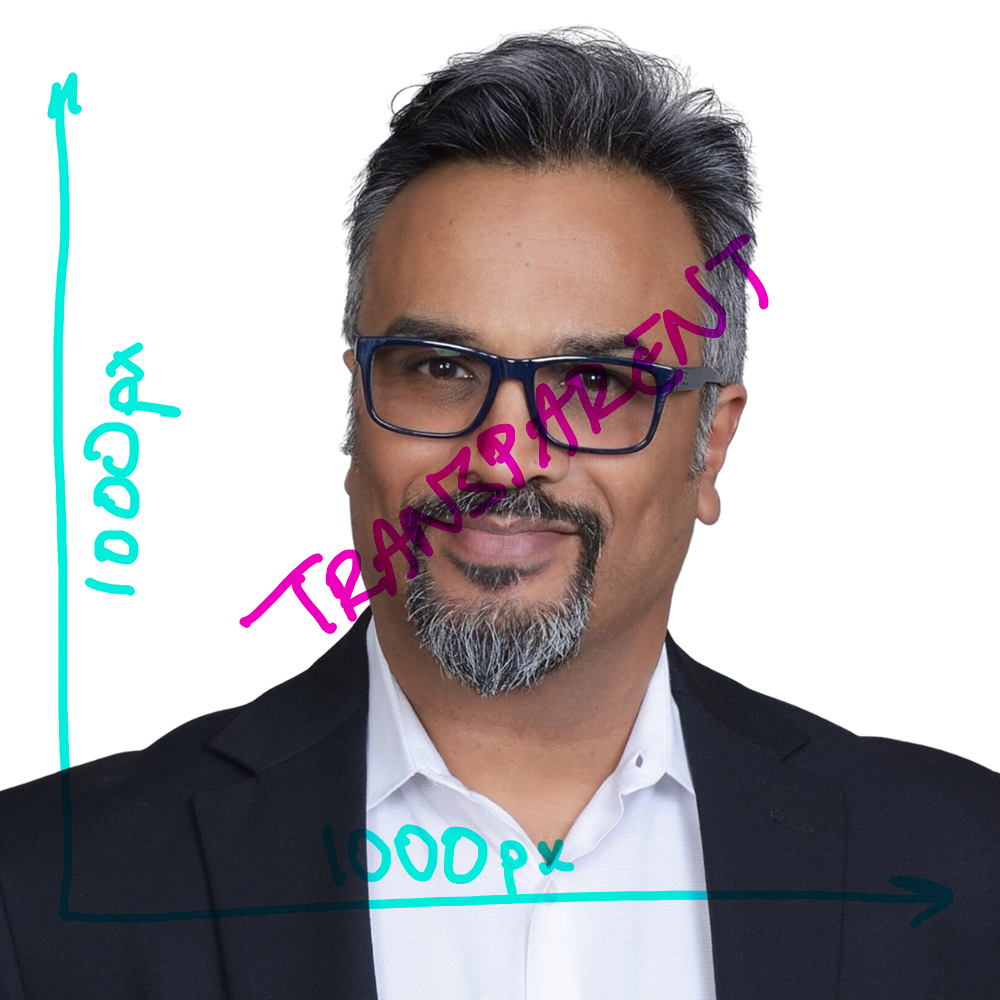
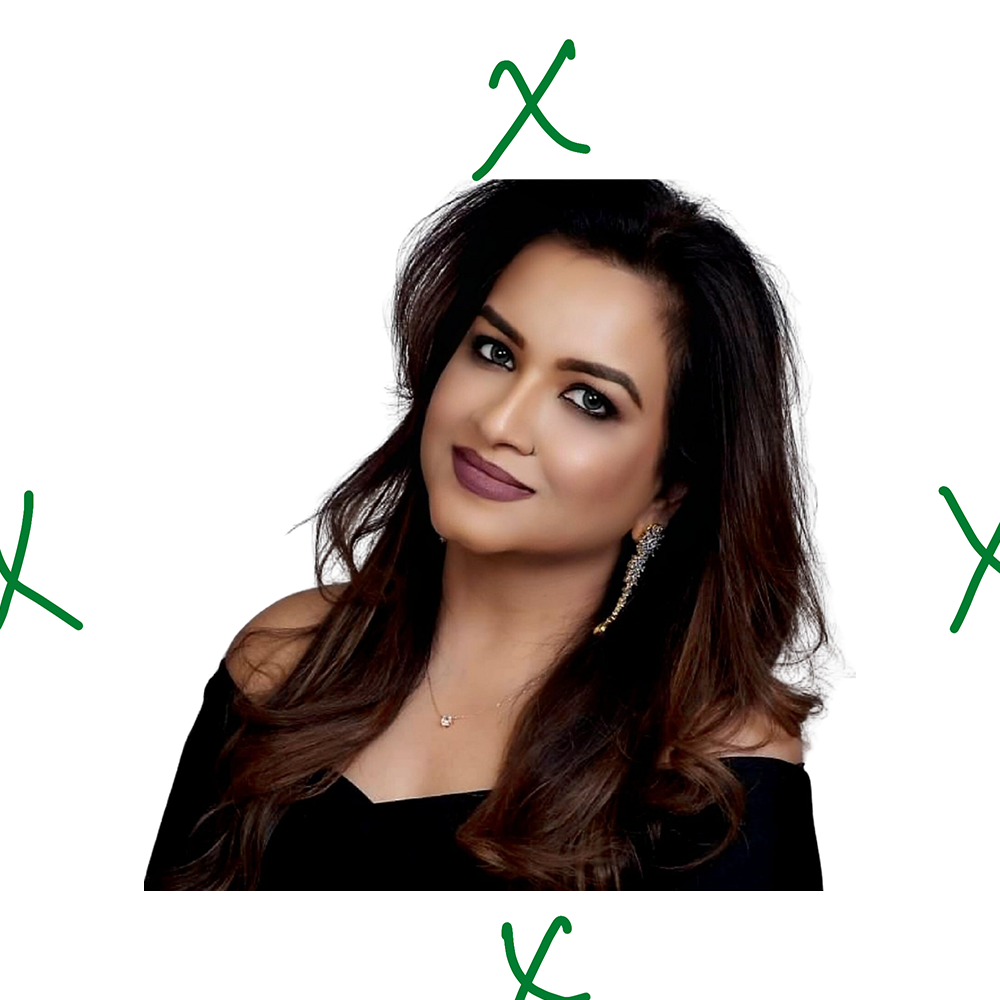
All headshots should be 1000px by 1000px. Headshots can be transparent or filled, however, we recommend using a transparent headshot as it adds dimension and may cover some text if filled with a solid background. Your headshot should extend to the end of the 1000px by 1000px image (Headshot 1). It can have extra spaces on any direction (Headshot2), but ensure that your image is not cut (like the top of Headshot 2). Finally, you can upload a headshot with a border if you choose, however, the color and style will not be editable unless you make those changes and reupload them.
Headshot 1
Headshot 2
Headshot 3

LOGOS
Logo 1 and Logo 2 the bounding box of Logos are limited to 1000px by 1000px, but Logo 3 is limited to 1080x400. As with headshots, logos can be transparent or filled.
For some logos with white text, its recommended to add a contrasting background (Logo 3), to make it easier to read.
Logos 1 and Logos 2 will be interchangeable for all of the content generation processed. Logo 3 will be used specifically for the headers/footers of reels,
hence the difference in resolution.
Logo 1

Logo 2

Logo 3